Restaurant receipt printer feeds blank paper? Check the roll and the order first
Paper comes out, but no text is visible. First see whether the order is still on the order screen.
We reviewed Star Marketing Japan’s TSP-series FAQ on 25 October 2026. Its instructions do not apply automatically to every model. Star Marketing Japan TSP FAQ.
Check order screen → separate test from real order → roll type and direction → manufacturer
Protect the order before troubleshooting
Blank output does not prove the order disappeared. Share order ID, items and notes with the kitchen from the screen. Keep test prints separate from real orders. If no order appears on screen, investigate the app or connection as a different problem.
Compare the symptoms
| Symptom | Check first | Next decision |
|---|---|---|
| Repeated blank feed | Specified thermal paper and model-specific orientation | Reload using the manual |
| Faint text | Paper compatibility and storage | Consult model guidance or service |
| No paper feed | Roll, cover, power, connection | Read paper-out or connection guide |
Model number → approved paper → width and diameter → coated side → supply source
Check thermal paper and direction
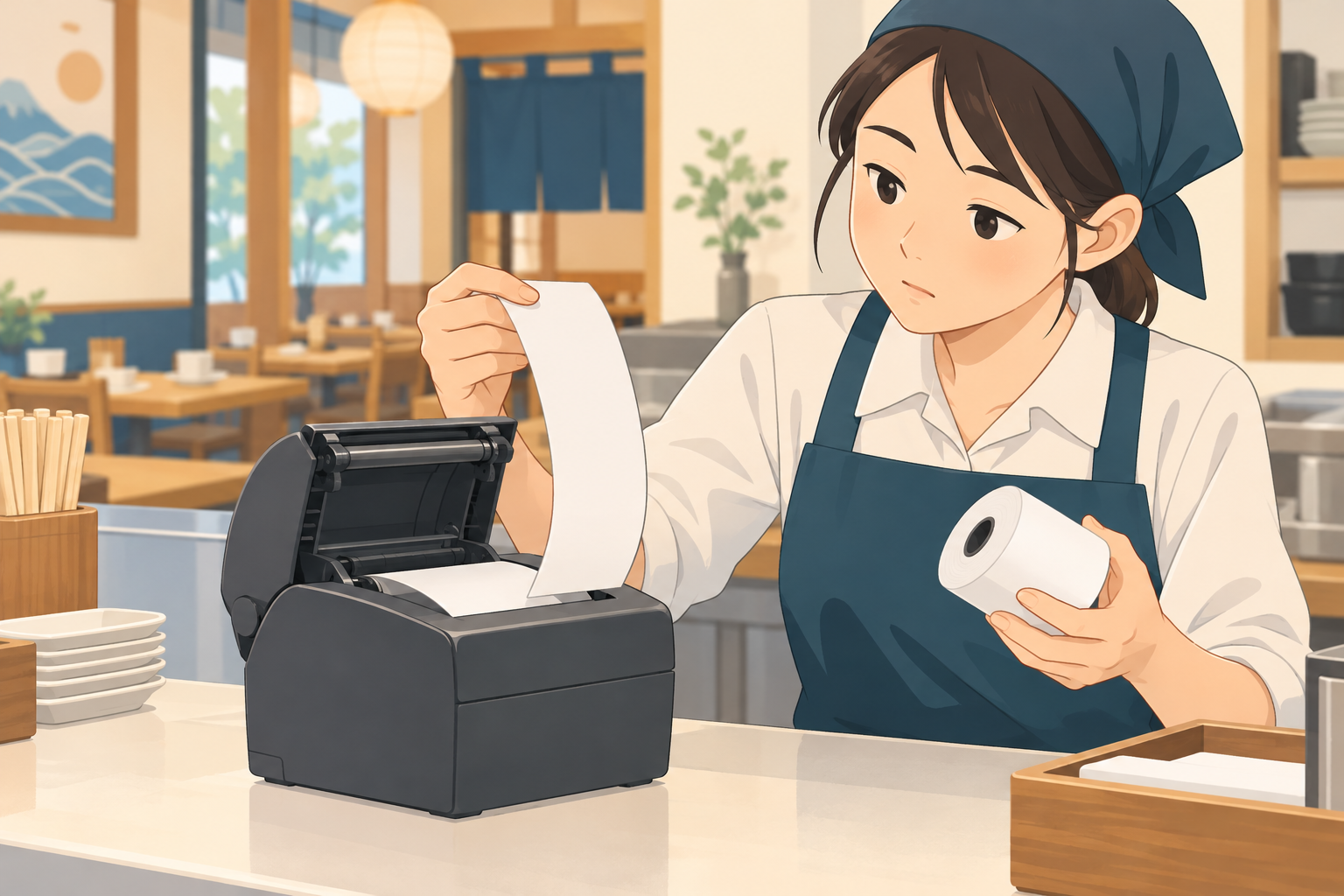
Star’s TSP-series FAQ points to a reversed roll as one possible cause of blank output and says to verify thermal roll paper. This is an example for that series. Never pull paper by force; follow your own model’s illustrated manual.
Before replacement or repair
If approved paper and orientation do not fix it, the FAQ notes a possible device fault and suggests contacting the seller. Check warranty, leased-device ownership, replacement terms and backup order handling. Do not buy rolls on price alone.
Correct roll → test print → check order ID → normal operation
Ad disclosure: when reviewing restaurant order and print workflows, see our restaurant guide. The linked guide is in Japanese.
Summary
Protect accepted orders, then check the paper type and orientation against your model manual. Ask the seller or maker if it remains blank, and prevent duplicate order handling.
Ad disclosure: when reviewing restaurant order and print workflows, see our restaurant guide. The linked guide is in Japanese.
Source: Star Marketing Japan TSP FAQ (25 October 2026). The cited FAQ concerns TSP models; ask the maker or platform about other printers.